Getting started
SoftWork Beats plays calm, fully licensed background music for businesses — lobbies, waiting rooms, treatment rooms, and offices. Here is the fastest way to hear it in your space.
Try it in under a minute
- Open softworkbeats.com on any computer, tablet, or phone.
- Pick a genre — Lo-Fi Jazz is the default; Deep Focus, Classical Focus, and Acoustic Mornings are popular in quiet spaces.
- Press play.
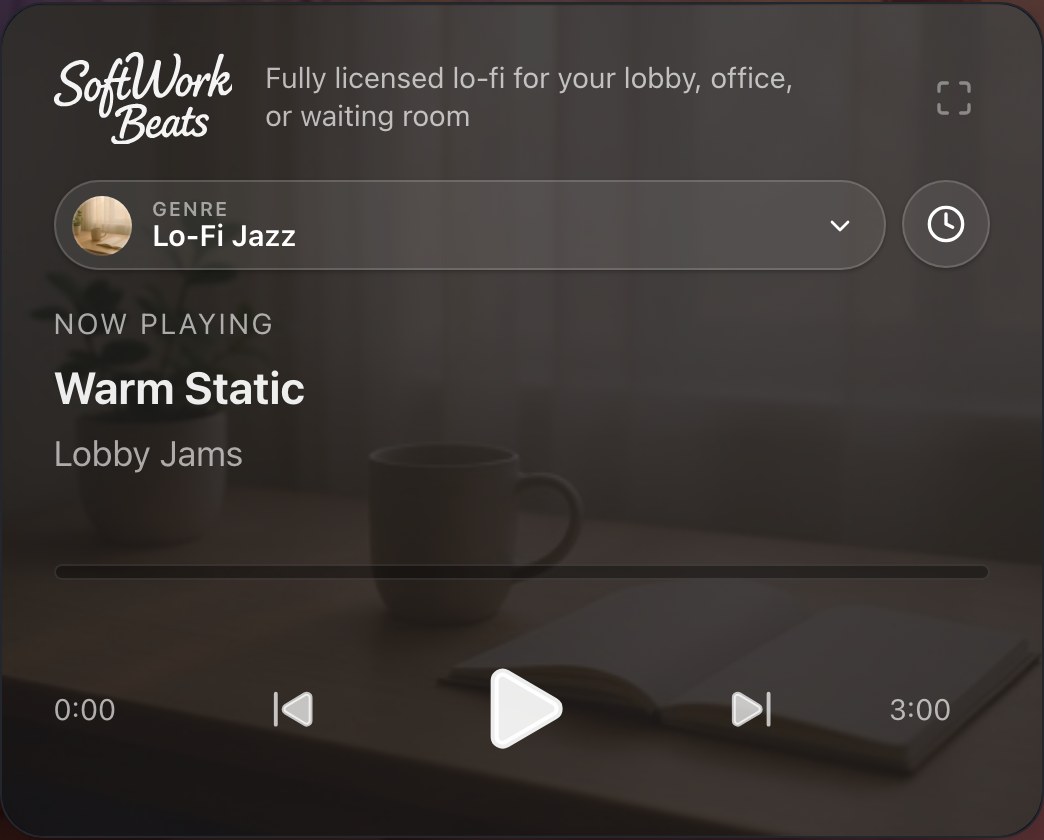
That's it — no sign-up and no card needed. Free listening includes the full catalog and covers your business under our public performance license; you'll hear a short promo message every few tracks.
When you're ready to subscribe
Subscribing removes the promo messages and gives you seats — the number of devices that can play at the same time, priced per room. Plans are monthly or annual on the pricing page. Learn how seats work in What's a seat?
Put it on every screen
Your account follows your email address, so you can sign in anywhere and your plan comes along:
- A computer — the web player, no install needed.
- Apple TV — a lobby favorite: music plus art, a visualizer, and trivia on the big screen.
- iPhone and iPad — including on a TV with an HDMI adapter.
- Roku — for Roku TVs and streaming players.
All the apps are free downloads — grab them from the apps page. Then send the sound wherever you need it: see Getting the music to your speakers.