What's a seat?
A seat is one device playing music at the same time. It's how a plan covers a real space — one seat for one room, five seats for the whole floor — priced per room on the pricing page.
How it works
- Sign in with the same email everywhere — seats belong to your account, not to any single device.
- Any signed-in device can play; the seat count only limits how many play at the same time.
- Two seats, three devices? No problem — the third can sit signed-in and paused, ready to go.
What happens at the limit
Start playback on one device too many and nothing breaks: the device that's been playing longest without anyone touching it pauses and explains why, and the new device starts. No lockouts, and never a surprise charge. If that keeps happening, it's the signal you're one room short — add a seat.
Adding, removing, and mixing seats
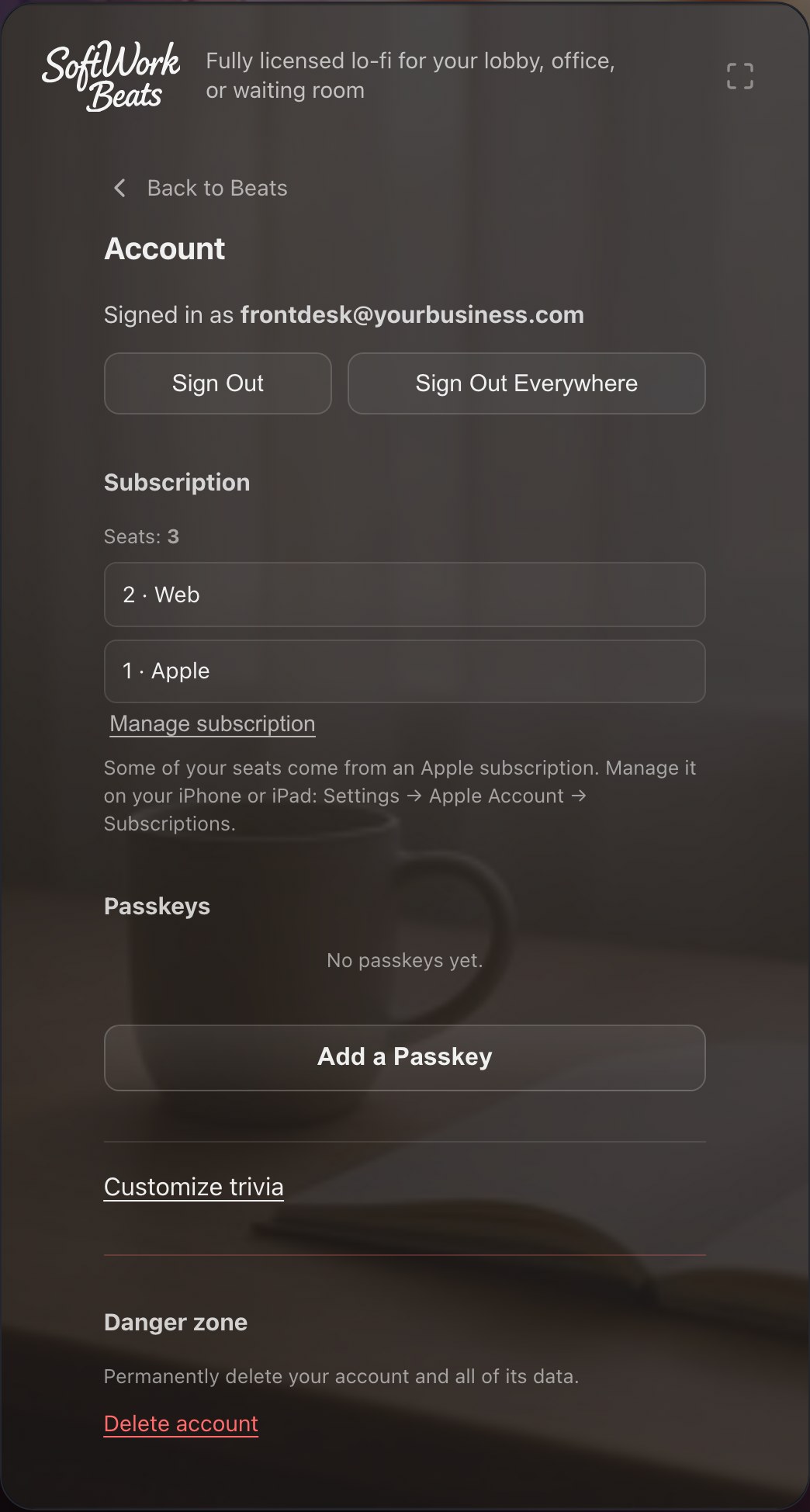
- See your seats and where they come from on your account page.
- Web subscriptions are managed there too — Manage subscription opens the billing portal to change seat count or plan.
- Subscribed through Apple? Manage it on your iPhone or iPad under Settings → Apple Account → Subscriptions.
- Seats add up across sources: if some seats come from the web and some through Apple or Roku, your account simply has the total.